
The video editor your AI can run
Publishing short-form video still means hours of clipping, captioning, resizing, and scheduling. Action Editor gives ChatGPT, Claude, or Gemini the tools to do that work, and you review it before it posts.
No account needed to try it. Editing runs in your browser.
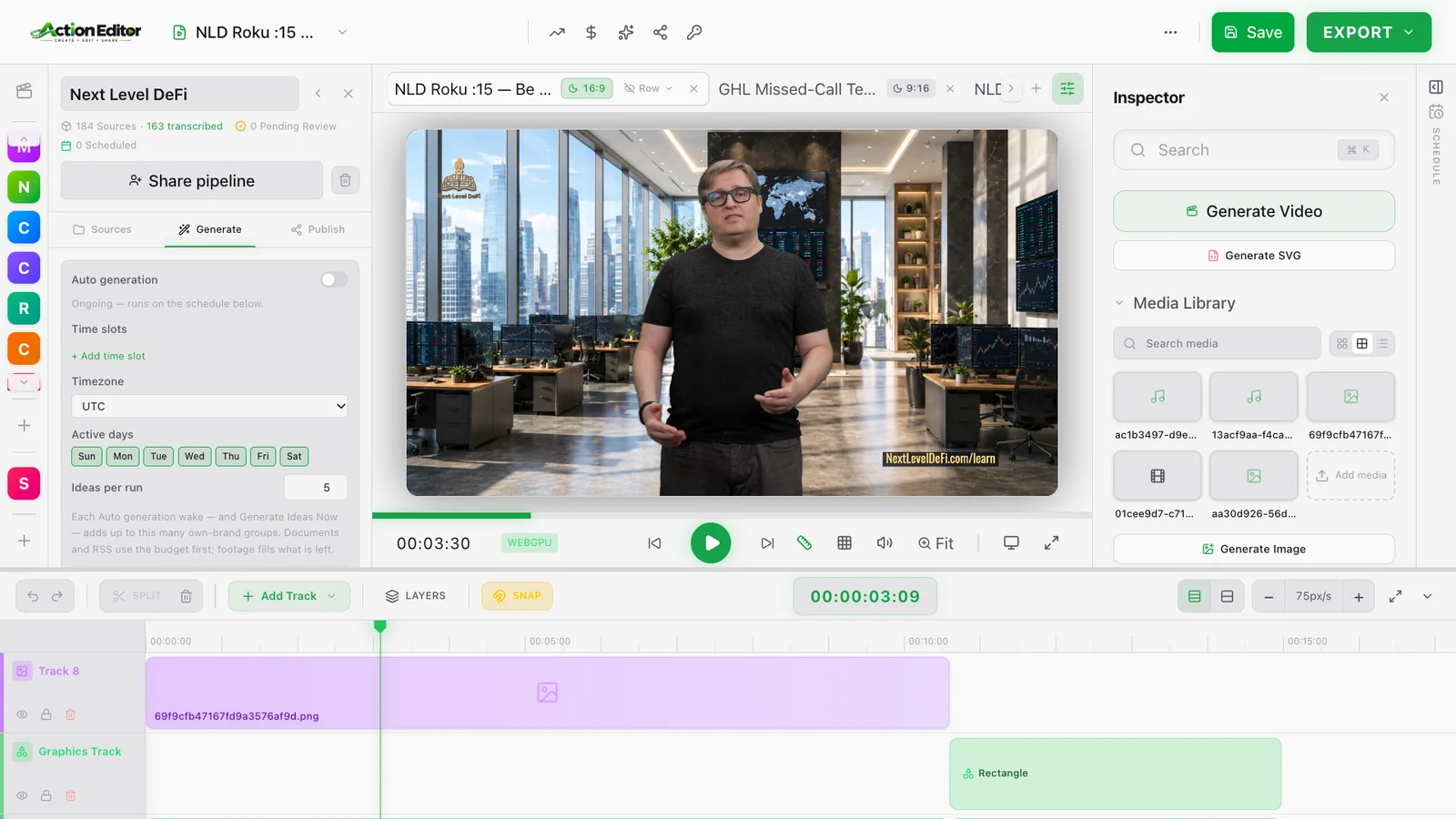
Loading the editor…
Give AI the tools to create and publish your content
One workspace takes a long video to finished, scheduled posts. Do each step by hand in the editor, or hand the steps to your AI assistant.
Turn long videos into a library of short-form content
- Find the best moments in webinars, podcasts, interviews, and other long-form videos
- Create multiple short-form videos with vertical formatting and captions
- Review the output before it is published instead of editing every clip from scratch
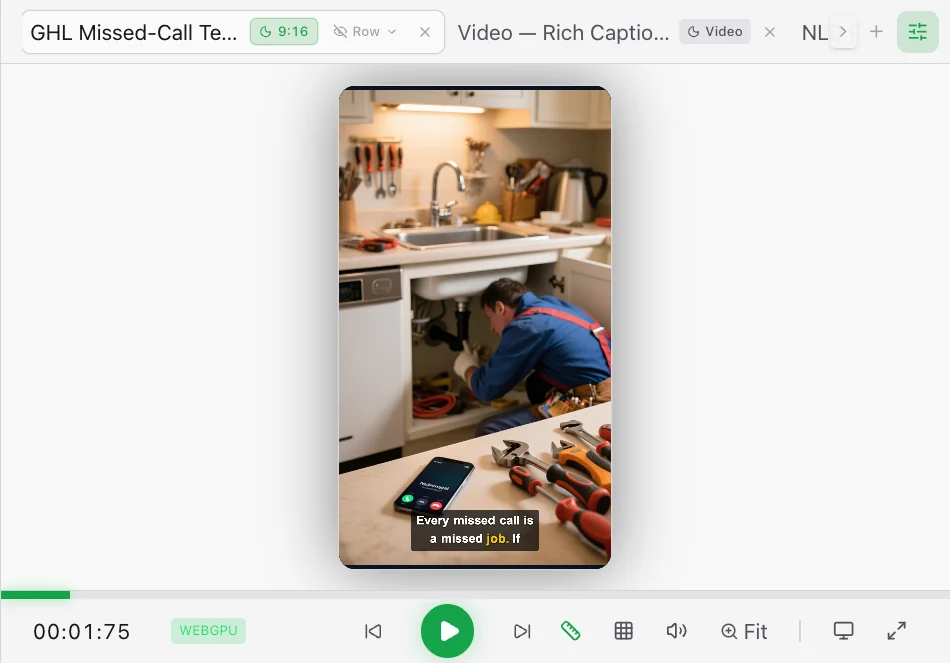
Let ChatGPT, Claude, or Gemini run the editing work
- Give your AI an instruction such as “Turn my 1-hour webinar into 15 TikToks”
- Use over 350 connected tools through MCP to browse files, edit video tracks, generate audio, and manage content workflows
- Build repeatable pipelines that carry out multi-step content tasks instead of returning instructions for you to follow
https://www.actioneditor.com/api/mcpSign up free, create a key under API Keys & MCP Access in the editor, then paste the URL into your client's connector page.
Create, edit, and schedule content from one workspace
- Edit video timelines with tools for trimming, formatting, captions, and other production tasks
- Prepare platform-ready posts with captions and copy for multiple social networks
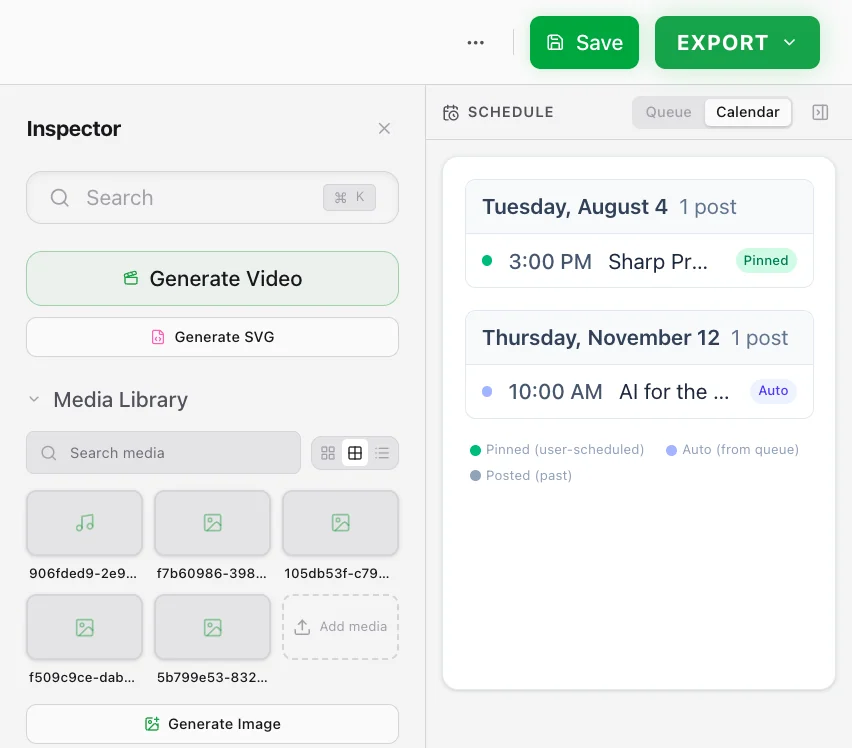
- Schedule content across your connected accounts after you review the finished videos
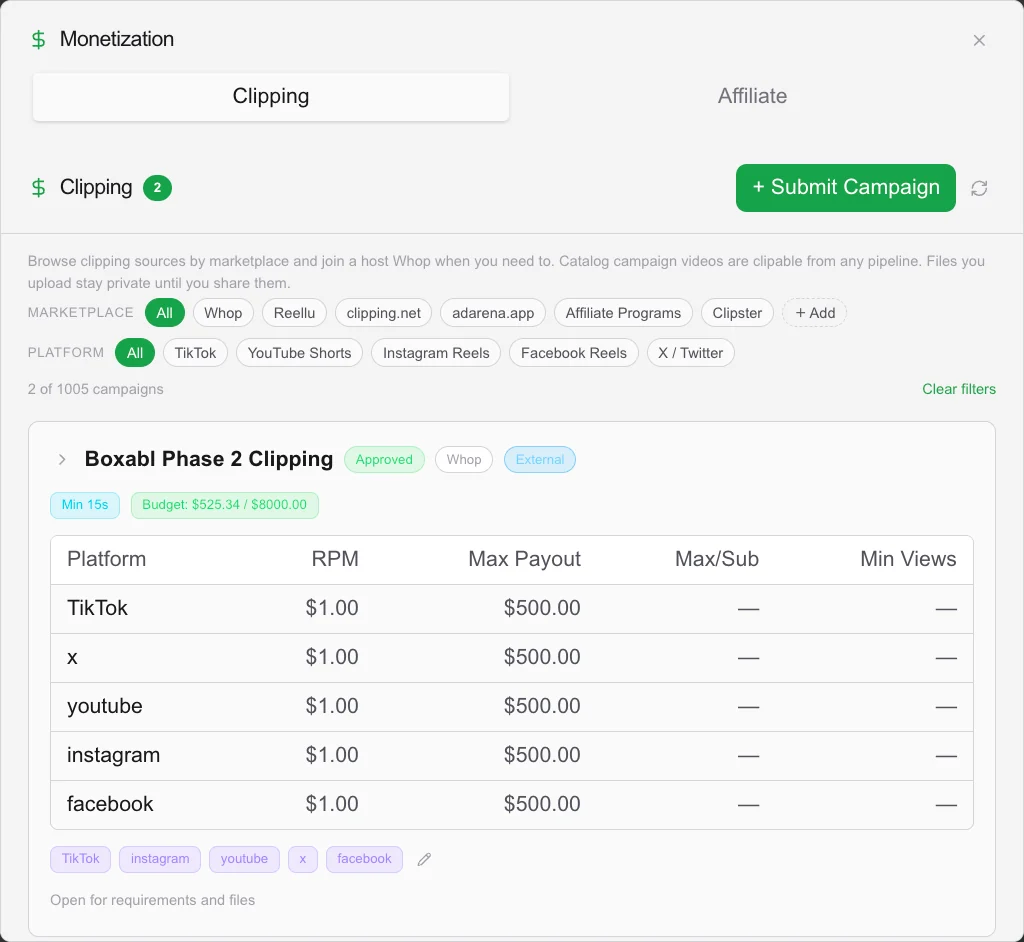
Get paid to create and repost brand content
- Find clipping campaigns where brands pay creators for approved short-form content
- Follow each campaign's requirements for video length, tags, captions, and other submission rules
- Create and repost content on your social pages through the same workflow you use for your own
Who it is for
Content creators
Turn one long video into a week of posts without editing every clip by hand.
Agencies
Run a repeatable pipeline for each client and review everything before it goes out.
Small businesses
Keep your social accounts active with the webinars, demos, and interviews you already record.
Plans
The editor runs free on your own device. A paid plan runs it in the cloud, makes AI images and video, and posts to your social accounts.
Free
$0
The full editor, on your own device. A free account adds:
- Save your work to your account and open it on any device
- 500 MB of hosted storage for media and renders
- Templates and pipelines that follow you across devices
- Post to your own HighLevel and Box
- 30 free cloud credits a month for transcription, vision, and director videos
- 5 free AI image and video generations a month
Action Editor
$20 / month
Your editor in the cloud, with AI that makes images, video, and 3D.
- Unmetered cloud processing: transcription, vision search, director videos, and rendering
- Unmetered AI image, video, and 3D generation
- Pipelines and agents keep running with the tab closed
- Up to 3 social accounts on each platform
- 20 GB of storage
Team
$97 / month
Everything, for up to 10 people.
- Up to 10 people
- Everything in Action Editor, for every person
- Up to 20 social accounts on each platform, shared by the team
- 100 GB of storage shared by the team
- The preloaded clipping campaign catalog, included
- Share pipelines with the whole team
Cancel a monthly plan anytime. The preloaded clipping campaign catalog is a $97 one-time add-on on any plan, and is included with Team.
Questions
- What can Action Editor create?
- Short-form videos from long-form content, edited video with captions, supporting images and audio, social posts, and a posting schedule across your connected accounts.
- Does it work with ChatGPT and Claude?
- Yes. Its MCP server gives compatible AI assistants, including ChatGPT, Claude, and Gemini, over 350 connected tools for carrying out content work.
- Do I need to know how to edit videos?
- No. Describe the content task and let your AI carry out the production steps, then review the result before it is published. The full editor is there when you want to change something yourself.
- Is it free to try?
- Yes. The editor runs on this page, in your browser, without an account. A free account adds saved work, hosted storage, and monthly cloud credits.
- Can I use it for clipping campaigns?
- Yes. You can find brand-paid clipping campaigns, follow their requirements, create the content, and submit approved videos.
- Can I export my content?
- Yes. Your finished videos are yours to use outside Action Editor, subject to the terms of the services you connect.